


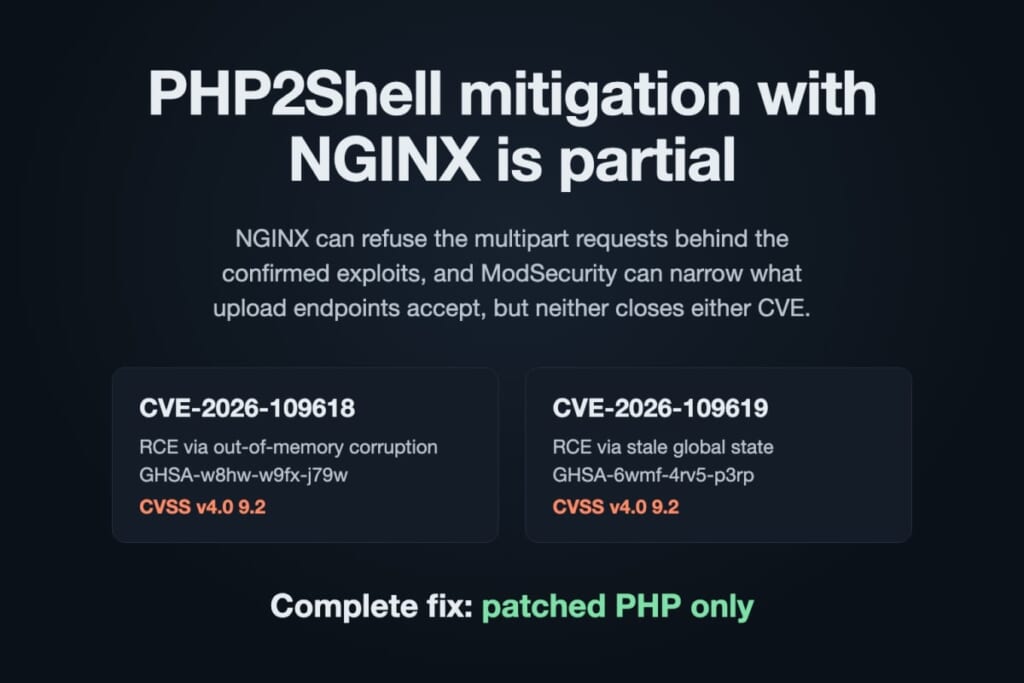
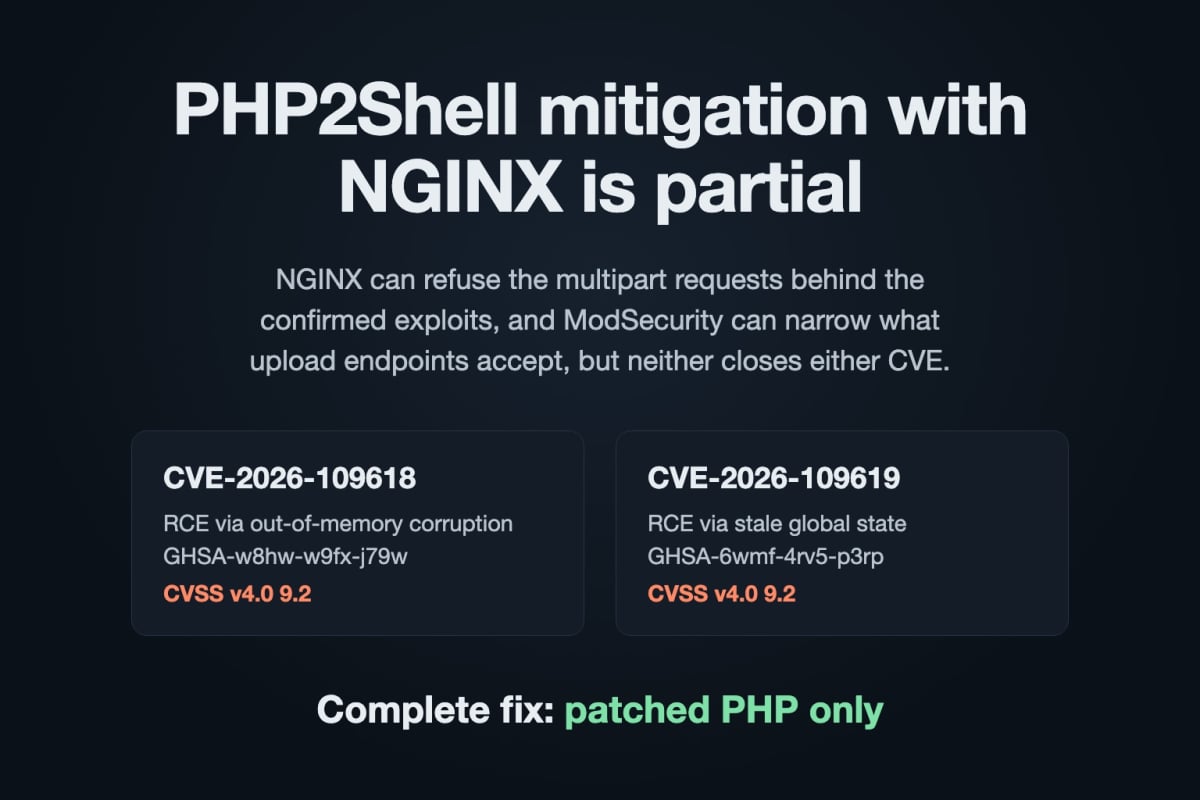
PHP2Shell mitigation with NGINX is partial. NGINX can refuse the multipart requests behind the confirmed exploits, and ModSecurity can narrow what upload endpoints accept, but neither closes either CVE. The PHP security team is explicit: only a patched PHP build is a complete fix.
CVE-2026-109618  RCE via out-of-memory corruption  (GHSA-w8hw-w9fx-j79w)  CVSS v4.0 9.2
CVE-2026-109619  RCE via stale global state        (GHSA-6wmf-4rv5-p3rp)  CVSS v4.0 9.2
Complete fix:    patched PHP only (upstream 8.5.12, 8.4.27, 8.3.36, 8.2.35, or a vendor backport)
NGINX can:       block multipart where the app never needs it; filter multipart on upload endpoints
NGINX cannot:    see PHP memory, application-level allocation failures, or the non-request 109619 paths
The fix itself installs from the GetPageSpeed repository, for PHP versions upstream abandoned. On CentOS 7 with Remi PHP 7.4, for example:
yum -y install https://extras.getpagespeed.com/release-latest.rpm
yum --enablerepo=getpagespeed-extras-php74 upgrade 'php-*'
systemctl restart php-fpm
Other versions and platforms: PHP2Shell on CentOS 7 (PHP 5.4 to 8.4), Ubuntu and Debian and Amazon Linux 2. Not sure whether your build is already patched? Paste your package list into the PHP2Shell checker.
The rest of this article is for the hours or days before that upgrade lands. Upload endpoints get the narrowing layer from ModSecurity, packaged as nginx-module-security. On Debian and Ubuntu, set up the GetPageSpeed APT repository first:
# RHEL, Rocky Linux, AlmaLinux, Amazon Linux
sudo dnf install https://extras.getpagespeed.com/release-latest.rpm
sudo dnf install nginx-module-security

# Debian, Ubuntu (after the GetPageSpeed APT repository setup)
sudo apt-get update
sudo apt-get install nginx-module-security
Why PHP2Shell mitigation at the proxy is partial
Both bugs live inside PHP. NGINX only sees the request on the wire, so it can block a trigger it recognises, never the flaw.
CVE-2026-109618 is an out-of-memory corruption. PHP aborts an allocation failure with longjmp(), and during request startup that can leave half-initialised request memory behind. The advisory lists three confirmed ways to reach that state through multipart parsing:
- multipart requests without a usable content length, which can slip past the initial
post_max_sizecheck; - many headers inside a single multipart part, which cost far more memory in PHP than on the wire, so the request fits
post_max_sizeand still exhaustsmemory_limit; - empty file controls, which do not count towards
max_file_uploadsbut still build file metadata arrays, multiplied by nested field names.
It also warns that the out-of-memory condition “can also be triggered through application-specific logic with attacker-controlled input”. No proxy can see that.
CVE-2026-109619 is a use after free of request-owned global state. The advisory names three confirmed paths: session upload progress, INI diagnostics emitted before request initialisation, and fatal error backtraces on PHP 8.5. Only the first one rides in a request body. It also says: “There is no complete generic configuration mitigation.”
The large WAF vendors reach the same conclusion. The AWS WAF guidance for PHP2Shell notes that its rules miss header amplification under the size cap and that patching is the only complete fix.

What each NGINX layer stops
| Attack path | Stock NGINX multipart block | ModSecurity on upload endpoints | php.ini stopgap |
|---|---|---|---|
| 109618, multipart without a usable length | Blocked on non-upload endpoints | Chunked bodies capped by client_max_body_size |
post_max_size |
| 109618, header amplification in a part | Blocked on non-upload endpoints | Narrowed: total part headers capped | None |
| 109618, empty file controls and nesting | Blocked on non-upload endpoints | Narrowed: part count and nesting depth capped | max_input_nesting_level |
| 109618, application-level allocation failure | No | No | No |
| 109619, session upload progress | Blocked on non-upload endpoints | Blocked | session.upload_progress.enabled=0 |
| 109619, INI diagnostics, fatal backtraces | No | No | fatal_error_backtraces=0 (8.5, one path) |
“Narrowed” means the request has to be smaller and more regular to get through, not that it cannot get through.
Layer 1: refuse multipart where PHP never needs it
This is the advisory’s own recommendation, and the strongest thing NGINX can do: “If the application does not use multipart form data, block such requests at the frontend before they reach PHP.” Most PHP sites accept uploads at a handful of URLs at most. Every other PHP endpoint can refuse multipart/form-data before PHP parses a byte of it.
map $content_type $php_multipart {
    default        0;
    ~*^multipart/  1;
}

server {
    listen 80;
    root /srv/www;
    client_max_body_size 8m;

    # The one endpoint that really accepts uploads
    location = /upload.php {
        include fastcgi_params;
        fastcgi_param SCRIPT_FILENAME $document_root$fastcgi_script_name;
        fastcgi_pass php-fpm;
    }

    location / {
        try_files $uri $uri/ /index.php?$args;
    }

    location ~ \.php$ {
        if ($php_multipart) {
            return 403;
        }
        include fastcgi_params;
        fastcgi_param SCRIPT_FILENAME $document_root$fastcgi_script_name;
        fastcgi_pass php-fpm;
    }
}
if with only a return inside is one of the safe uses of if in a location. Because try_files falls back to /index.php with an internal redirect, the same check covers pretty URLs that a front controller handles. Verified with NGINX 1.30.6 and PHP-FPM 8.3 on Rocky Linux 10:
POST urlencoded  /index.php            200
POST multipart   /index.php            403
POST multipart   /some/pretty/url      403   (try_files -> /index.php)
Content-Type: MULTIPART/form-data      403   (map is case-insensitive)
POST multipart   /upload.php           200
Keep fastcgi_request_buffering at its default on for PHP locations. NGINX then de-chunks the body and passes PHP-FPM its real length, so post_max_size applies to chunked uploads too, on upload endpoints included.
Check your real upload URLs before deploying: the WordPress media library posts to /wp-admin/async-upload.php, and many CMSs accept uploads in their admin areas. Each one needs its own exempt location, and each exempt location is still exposed. That is where the next layer comes in.
Layer 2: filter multipart on upload endpoints with ModSecurity
An upload endpoint has to accept multipart, so the only option is to look inside the body. Stock NGINX cannot parse multipart. ModSecurity can, through nginx-module-security from the GetPageSpeed repository (module page, full ModSecurity guide).
On RHEL-family systems, load the module at the top of /etc/nginx/nginx.conf. The Debian and Ubuntu packages load it automatically.
load_module modules/ngx_http_modsecurity_module.so;
Save this as /etc/nginx/modsecurity-php2shell.conf. It stands alone and does not need the OWASP Core Rule Set:
SecRuleEngine On
SecRequestBodyAccess On
SecRequestBodyLimit 8388608
SecRequestBodyNoFilesLimit 131072
SecRequestBodyLimitAction Reject
SecAuditEngine Off

# Refuse bodies ModSecurity cannot parse the way PHP would
SecRule REQBODY_ERROR "!@eq 0" \
    "id:1026010,phase:2,t:none,log,deny,status:400,msg:'Request body parse error: %{REQBODY_ERROR_MSG}'"
SecRule MULTIPART_STRICT_ERROR "!@eq 0" \
    "id:1026011,phase:2,t:none,log,deny,status:400,msg:'Multipart failed strict validation'"
SecRule MULTIPART_UNMATCHED_BOUNDARY "@eq 1" \
    "id:1026012,phase:2,t:none,log,deny,status:400,msg:'Multipart unmatched boundary'"

# CVE-2026-109619: session upload progress path
SecRule ARGS_POST_NAMES|FILES_NAMES "@streq PHP_SESSION_UPLOAD_PROGRESS" \
    "id:1026001,phase:2,t:none,log,deny,status:403,msg:'PHP2Shell: session upload progress field'"

# CVE-2026-109618: cap total multipart part headers
# (also bounds parts and empty file controls, which FILES does not count)
SecRule &MULTIPART_PART_HEADERS "@gt 100" \
    "id:1026002,phase:2,t:none,log,deny,status:403,msg:'PHP2Shell: too many multipart part headers'"

# CVE-2026-109618: nested field names multiply PHP's array work
SecRule ARGS_POST_NAMES|FILES_NAMES "@rx (?:\[[^\]]*\]){6}" \
    "id:1026003,phase:2,t:none,log,deny,status:403,msg:'PHP2Shell: deeply nested field name'"
Then switch it on in each upload location:
location = /upload.php {
    modsecurity on;
    modsecurity_rules_file /etc/nginx/modsecurity-php2shell.conf;

    include fastcgi_params;
    fastcgi_param SCRIPT_FILENAME $document_root$fastcgi_script_name;
    fastcgi_pass php-fpm;
}
Keep SecRequestBodyLimit equal to client_max_body_size. If you changed session.upload_progress.name, use your value in rule 1026001. Size the header cap to your largest real form: every multipart field carries at least one header, and every file part carries two.
Three details that decide whether it works
The strict parsing rules are load-bearing. PHP and ModSecurity parse Content-Disposition differently. PHP accepts NAME=, single-quoted names and a duplicated name parameter (the last one wins). We confirmed each of these variants still triggers the upload progress path. ModSecurity flags them as parse errors, and rules 1026010 and 1026011 turn those errors into a 400. Without them, the field-name rule alone would be bypassable.
Do not count files to stop empty file controls. The advisory names empty file controls as an amplifier because PHP does not count them towards max_file_uploads. libmodsecurity leaves them out of FILES, FILES_NAMES and MULTIPART_FILENAME too, so a “too many files” rule never sees them. They do show up in MULTIPART_PART_HEADERS, which is why the cap counts headers.
PHP matches the field name exactly. We tested PHP.SESSION.UPLOAD.PROGRESS, spaces and an unclosed bracket, and PHP’s name normalisation does not apply to this check. Only the exact configured name starts the upload progress path, so @streq is sufficient.
Proof on a test server
Each probe ran against PHP-FPM behind the GetPageSpeed NGINX 1.30.6 build, with identical results on Rocky Linux 10 (libmodsecurity 3.0.17), Debian 12 (3.0.9) and Ubuntu 24.04 (3.0.12). “progress” shows whether PHP wrote upload progress data into the session file, which is the 109619 path itself:
legit upload, 3 MB file + 40 fields                       200
legit nested field a[b][c]                                200
PHP_SESSION_UPLOAD_PROGRESS field                         403  progress: no
name=PHP_SESSION_UPLOAD_PROGRESS (unquoted)               403  progress: no
name="a"; name="PHP_SESSION_UPLOAD_PROGRESS"              400  progress: no
NAME="PHP_SESSION_UPLOAD_PROGRESS"                        400  progress: no
300 form fields                                           403
60 empty file controls                                    403
one part with 200 headers                                 403
field name nested 6 levels                                403
chunked 10 MB body                                        413
Without ModSecurity, the same unquoted, duplicated and uppercase variants all reached PHP and wrote progress data.
What it still lets through
Header amplification below the cap still works: 100 headers, each as large as the body limit allows, is a valid request. Application code that allocates memory from attacker-controlled input is beyond any filter. The INI diagnostics and fatal backtrace paths of CVE-2026-109619 never cross the wire at all. ModSecurity makes the confirmed exploits harder to deliver, and that is all it does.
Layer 3: the php.ini stopgaps
These also come from the advisories. Apply them where you control PHP’s configuration:
session.upload_progress.enabled = 0
post_max_size = 8M
max_input_nesting_level = 16
Set them in php.ini or the FPM pool, for example php_admin_flag[session.upload_progress.enabled] = off. Avoid per-request fastcgi_param PHP_VALUE for this: the advisory warns that frontend INI values which raise a diagnostic are themselves a CVE-2026-109619 trigger.
On a test server, session.upload_progress.enabled = 0 stopped the progress path completely, even for the variants above. Keep it after you patch, too: PHP’s informational advisory for CVE-2026-115560 (October 23), a separate and less likely flaw in the same feature, recommends session.upload_progress.enabled=0 until the next regular bugfix release. Rule 1026001 blocks that field on upload endpoints as well. On PHP 8.5, also set fatal_error_backtraces = 0. Restart every PHP worker afterwards. The advisory warns against RLIMIT_AS or RLIMIT_DATA, which trigger the vulnerable path rather than prevent it. The CentOS 7 article explains why the memory_limit=-1 workaround is not a fix either.
FAQ
Can NGINX fully mitigate PHP2Shell?
No. NGINX can block the confirmed multipart triggers on endpoints that never accept uploads, and ModSecurity can narrow what upload endpoints accept. Both CVEs also have paths that no proxy can see. The PHP security team states that a patched PHP build is the only complete mitigation.
Is blocking multipart/form-data enough?
It removes the confirmed request-borne paths on every endpoint where you apply it. It does nothing for endpoints that must accept uploads, for application-level memory exhaustion, or for the INI diagnostics and fatal backtrace paths of CVE-2026-109619.
Does the OWASP Core Rule Set block PHP2Shell?
At the time of writing, the Core Rule Set has no rule dedicated to these CVEs. Its multipart checks help, but nothing in it targets the session upload progress field or caps part headers. Use the rules above on upload endpoints, with or without the CRS.
How do I know whether my PHP is already patched?
php -v is not enough, because distribution backports keep the old version number. Paste your package list into the PHP2Shell checker: it understands distribution backports and gives the fix for each platform.
Do I need a subscription for the patched PHP?
The packages are free to install for personal, development and evaluation use. Commercial production use requires GetPageSpeed Ultra or higher.
Conclusion
Mitigations drift the same way configs do. An exempt upload location added next month quietly reopens the gap you just closed. GetPageSpeed Amplify runs scheduled gixy scans across every host and ties findings to live NGINX runtime metrics. Drop-in compatible with the deprecated nginx-amplify-agent (EOL January 2026).
Blocking multipart in NGINX is worth doing today: it costs nothing and removes the confirmed request paths wherever uploads are not needed. ModSecurity buys time on upload endpoints. Neither one fixes PHP: the only complete PHP2Shell mitigation is a patched build. Install the patched PHP build for your platform: it is free to install, and commercial production use requires GetPageSpeed Ultra ($500/year, up to 10 servers), which funds the backports and keeps your servers covered for the next EOL PHP CVE.