immerse · NGINX Professional module
immerse: AVIF image sizes from NGINX, with almost no effort
One package and a few lines of config, and every JPEG, PNG and GIF your site serves goes out as AVIF, often at less than half the bytes. Same URLs, same uploads, nothing to rebuild.
- No new URLs, no
picturemarkup, no image pipeline, no CDN add-on - AVIF for browsers that accept it, WebP for the rest, the original for everyone else
- Converted once in a thread pool, then cached; any failure serves the original
Live from this server
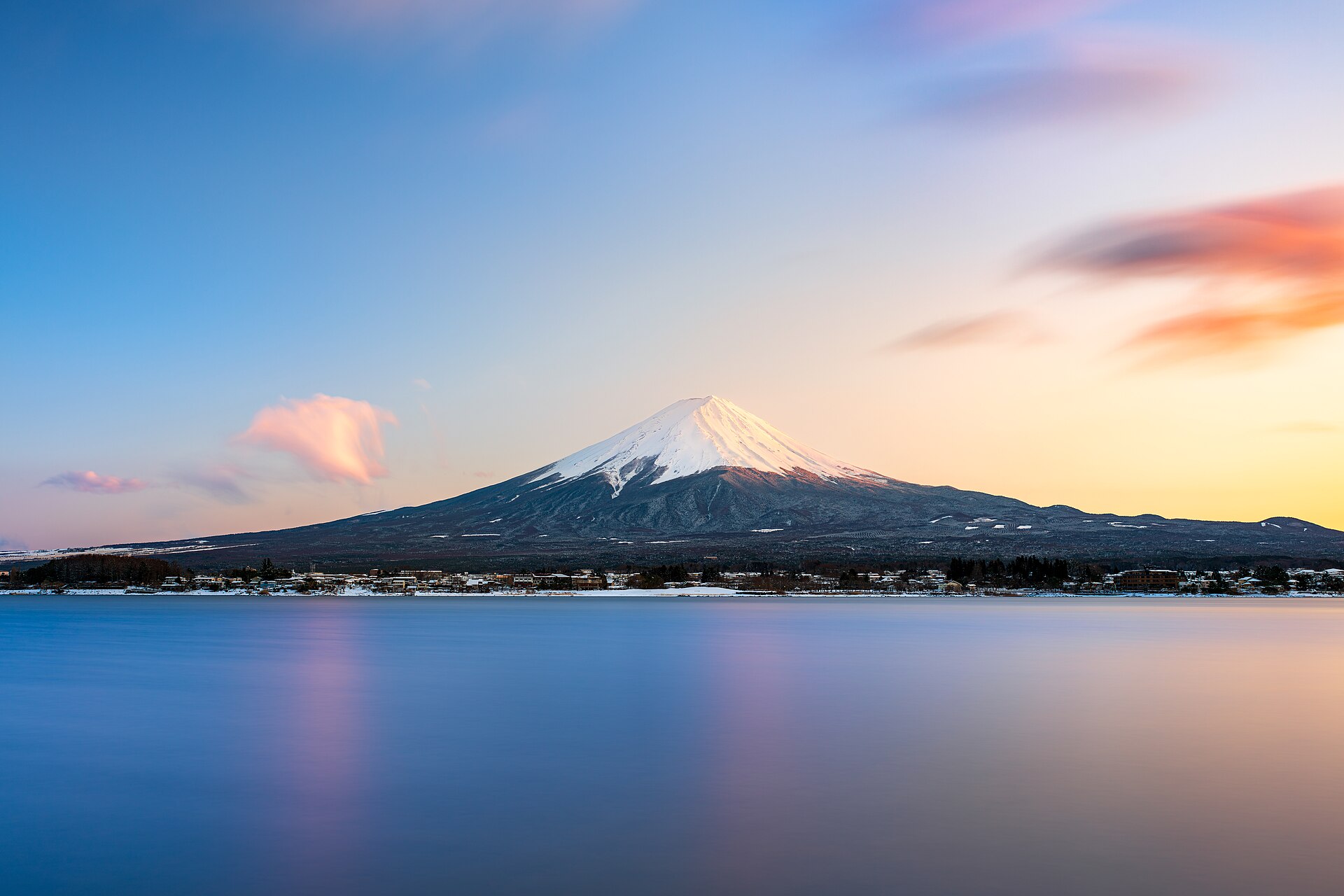
GET immerse-demo-fuji.jpg
| Accept sent | Content-Type | Bytes | X-Immerse |
|---|---|---|---|
| image/avif | … | … | … |
| image/webp | … | … | … |
| image/jpeg | … | … | … |
Your browser is requesting this image three times.
One URL, three formats: a live test
These are ordinary JPEG uploads on this site, served by NGINX with immerse enabled. Pick one: your browser requests it three times and changes only the Accept header. The sizes and headers on this page come from those three responses, not from a prepared table.

The numbers, image by image
Each image you test adds a row. Photos are encoded with the quality settings this site runs in production; both are yours to set.
| Image | Original | WebP | AVIF | AVIF saves |
|---|---|---|---|---|
| Mount Fuji at sunset smooth gradients | - | - | - | |
| Lynx portrait fur and fine detail | - | - | - | |
| Kingfisher saturated colour on a soft background | - | - | - | |
| Flamingo saturated reds | - | - | - | |
| Red panda fur against foliage | - | - | - | |
| Forest ferns dense foliage, the hardest case | - | - | - | |
| Coleus leaves dense colour and texture | - | - | - | |
| Aurora over Lofoten dark tones | - | - | - | |
| Blog poster graphics and text | - | - | - | |
| All tested | - | - | - |
Photos: public-domain (CC0) featured pictures from Wikimedia Commons.
Check it from your terminal
The same test with curl. A first request for a format answers with the original and X-Immerse: miss while NGINX converts in the background, so run it twice on an image nobody has asked for yet.
IMG=https://www.getpagespeed.com/wp-content/uploads/2026/11/immerse-demo-fuji.jpg
for accept in image/avif image/webp image/jpeg; do
  curl --silent --output /dev/null --header "Accept: $accept" \
    --write-out "$accept -> %{content_type}, %{size_download} bytes\n" "$IMG"
done
Almost no effort: what you add and what you keep
You add
- One package:
nginx-module-immerse - One line for the cache:
immerse_cache_path - One line where images are served:
immerse on;
You keep
- Every image URL and every line of HTML
- Your uploads and media library, untouched on disk
- Your application, CMS, plugins and build
There is no backfill either: images already on the site are converted the first time somebody asks for them.
How immerse works
immerse is an NGINX filter module. It sits in the response path, like gzip does, and acts on images whatever produced them: a static file, proxy_pass or FastCGI.
Reads the Accept header
Quality factors included. AVIF comes first by default, WebP next, and a client that asks for neither gets the original.
Converts off the event loop
Decoding and encoding run in an NGINX thread pool. A burst of first requests for one image costs one conversion.
Caches within bounds
Variants are kept on disk and indexed in shared memory. NGINX's cache manager holds the cache to the size and age you set.
Lazy or sync: you choose what the first request gets
| Mode | First request for an image | Later requests | Fits |
|---|---|---|---|
lazy (default) | The original, with no added latency. Conversion starts in the background. | Cached AVIF or WebP | Static files and busy sites |
sync | Waits for the conversion and gets AVIF or WebP | Cached AVIF or WebP | Proxied or generated images where every response should be modern |
What it did for this site
GetPageSpeed.com serves its uploads through immerse in lazy mode. We measured our blog index before and after switching it on, in the Lighthouse mobile profile, on 13 November 2026:
No image URL, template or upload changed. Crawlers that fetch og:image without a modern Accept header still get the JPEG.
Safe to switch on
The original is the fallback
A corrupt file, a codec error or a full disk serves the original image. A conversion failure never becomes an error response.
Correct for caches
Vary: Accept on every negotiated image and a separate ETag per variant keep CDNs and browsers from mixing formats up.
Limits you set
Size thresholds skip tiny icons and huge files, per-format quality is yours to tune, and the cache has a maximum size.
Install immerse
immerse ships as the nginx-module-immerse package in the GetPageSpeed repository, built for the NGINX version you run and updated with it. Requires a Pro subscription or higher.
RHEL, AlmaLinux and Rocky Linux
sudo dnf -y install https://extras.getpagespeed.com/release-latest.rpm
sudo dnf -y install nginx-module-immerse
CentOS and RHEL 7 are covered too: use yum and enable EPEL first.
Debian and Ubuntu
With the GetPageSpeed APT repository set up:
sudo apt-get update
sudo apt-get install nginx-module-immerse
Enable it for a location
load_module modules/ngx_http_immerse_module.so;

thread_pool immerse threads=4;

http {
    immerse_cache_path /var/cache/nginx/immerse levels=1:2 max_size=1g;

    server {
        location /images/ {
            immerse on;
            immerse_thread_pool immerse;
        }
    }
}
The NGINX automatic image conversion tutorial walks through the setup, testing and cache warming. Every directive is in the immerse module documentation.
immerse is part of GetPageSpeed Pro
Pro includes every Professional NGINX module, NGINX-MOD and the full module catalog.
Pro from $20/month. Cancel anytime.
immerse FAQ
Do I have to change image URLs, HTML or my application?
No. immerse works on the response, inside NGINX. A request for /photo.jpg keeps its URL and gets AVIF, WebP or the original JPEG depending on the Accept header the browser sent. There are no picture elements to add, no .webp copies to generate and nothing to change in the application.
What does the first visitor to an image get?
In lazy mode, the default, the first request gets the original at full speed while the conversion runs in the background, and later requests get the cached variant. In sync mode the first request waits for the conversion and gets the modern format. Either way a burst of first requests for one image costs one conversion.
Does it work behind a CDN or a caching proxy?
Yes. Every image immerse negotiates is answered with Vary: Accept, also when the original goes out, and each variant has its own ETag. A cache that honors Vary keeps the formats apart, so a browser without AVIF support is never handed an AVIF file.
How much CPU does it need?
Each image is converted once per format and then served from the cache like a static file. Conversion runs in an NGINX thread pool that you size, so worker processes keep serving requests meanwhile. This site converts with a single thread.
What happens when a conversion fails?
The original image is served. A corrupt file, a codec error, a full disk or a missing cache directory never turns into an error response. A failed image is remembered and not retried on every request.
Which image formats does immerse handle?
It converts JPEG, PNG and GIF responses to AVIF or WebP, and recognizes them by their content, not by the file extension. Animated GIFs and images that are already WebP or AVIF pass through unchanged.
How is this different from pre-generating WebP files?
Pre-generated files need a build step, double the stored files and only cover static images that the step has seen. immerse covers every existing image from the first request, also serves AVIF, works for proxied and generated images, and keeps its cache within the size you set.
Which subscription includes immerse?
immerse is a Professional module: it is included in GetPageSpeed Pro and every higher tier, together with the other Professional modules and NGINX-MOD.